Motion Elements: float images, icons and shapes over any Divi section
Float images, icons and shapes over any Divi section, row, column or module. Choose from eleven looping motion patterns, layer elements behind or in front of your content, add cursor and scroll parallax with depth, tilt elements in 3D and fine-tune their position and size for desktop, tablet and phone.
Module Level Avatars, Badges and Sparkles
Attach motion elements to a single module. Round team photos wander around a heading and follow the cursor, a spinning badge and a ring sit behind a pricing card while stars twinkle in front of it, and small sparkles pop around a call to action button on desktop and tablet.
Meet 40+ Experts Ready to Help
Coaches, doctors and designers answer your questions every day. Hover here to see the team photos follow your cursor.
PRO PLAN
$29 / month
Everything you need to reach your goals faster.
- Unlimited training plans
- Live recovery score
- Coach chat 7 days a week
- Sync with any smartwatch
Column Level Motion Patterns and Shapes
Every card below is a column with its own floating shape. Compare all the looping patterns side by side, from a gentle bob to an elastic pop, and see how the range, swing angle, loop duration, start delay, easing, 3D tilt and scale breathing settings change the movement.
Bob
Up and down, 30px range
Sway
Side to side, 40px range
Wander
Figure eight, 36 x 18px
Orbit
Circle path, linear easing
Swing
Rotates back and forth 25°
Pendulum
Swings from the top 35°
Spin
Continuous turn, 8s loop
Zigzag
Sharp turns, 40 x 20px
Drift
Slow and unsynced, 10s loop
Elastic Pop
Springy bounce, 26px
3D Tilt
Bob with forward and side lean
Scale Breathing
No path, grows and shrinks 30%
Section Level Motion with Cursor and Scroll Parallax
Turn a whole section into a motion host. Shapes and icons float at different depths, some behind the content and some in front, while cursor parallax shifts them as the mouse moves and scroll parallax lets them drift as the page scrolls.
PULSEFIT APP
Train Smarter, Recover Faster
Plan workouts, track every rep and see your recovery score at a glance. Move your mouse across this section and scroll the page to watch the shapes and icons shift by their own depth.
Row Level 3D Tilt, Scale Breathing and Responsive Layout
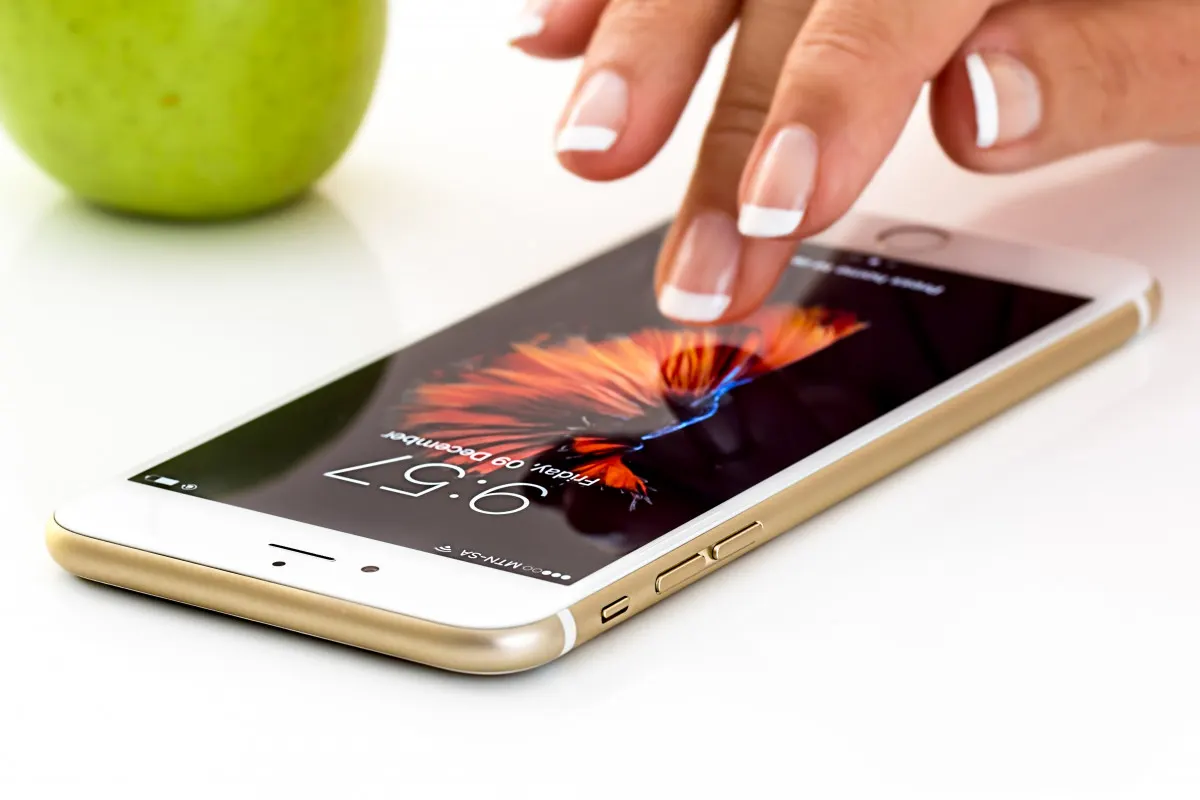
Use a row as the host to frame a product. Elements lean in 3D and breathe as they float, each one has its own position and size on desktop, tablet and phone, and decorative extras can be hidden on smaller screens.
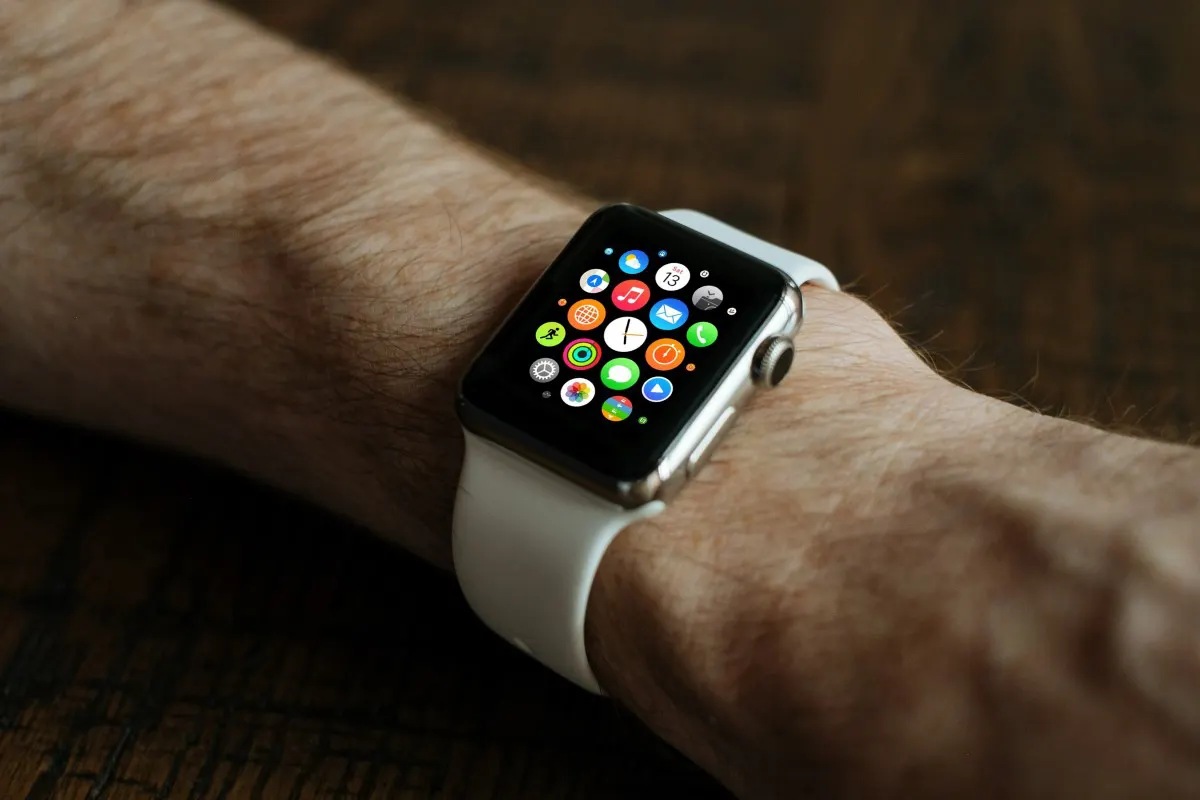
PULSEFIT WATCH
Your Health, Always in Sight
Heart rate, sleep and recovery on your wrist, synced to the app in real time.
- The blob and ring lean in 3D as they float
- Scale breathing gently grows and shrinks the glow
- Every element has its own tablet and phone position
- Two decorations are hidden on phone to keep it clean
GET TO KNOW THE EXTENSION CONTROLS
Float Images, Icons and Shapes with Layered Motion Controls
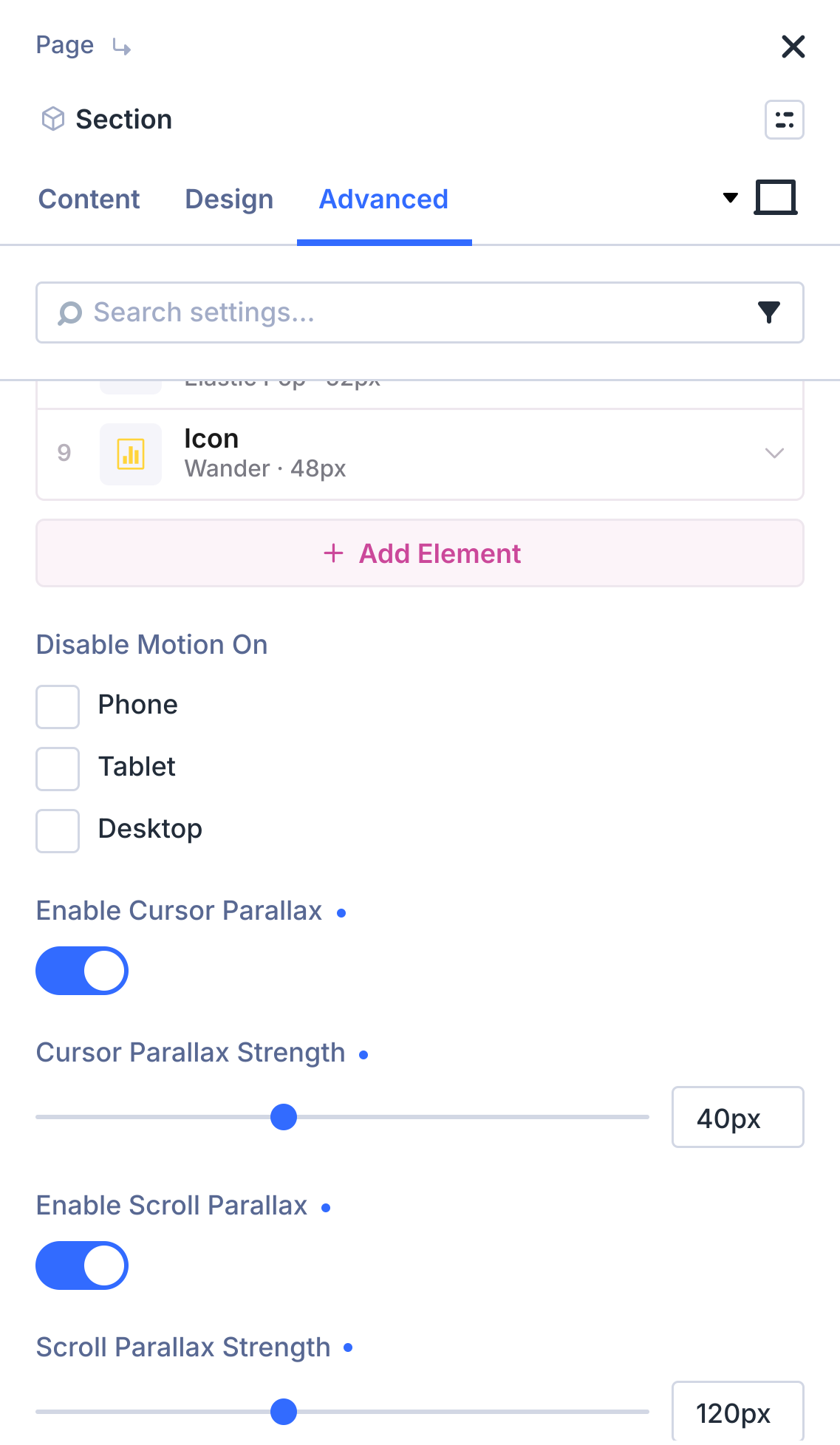
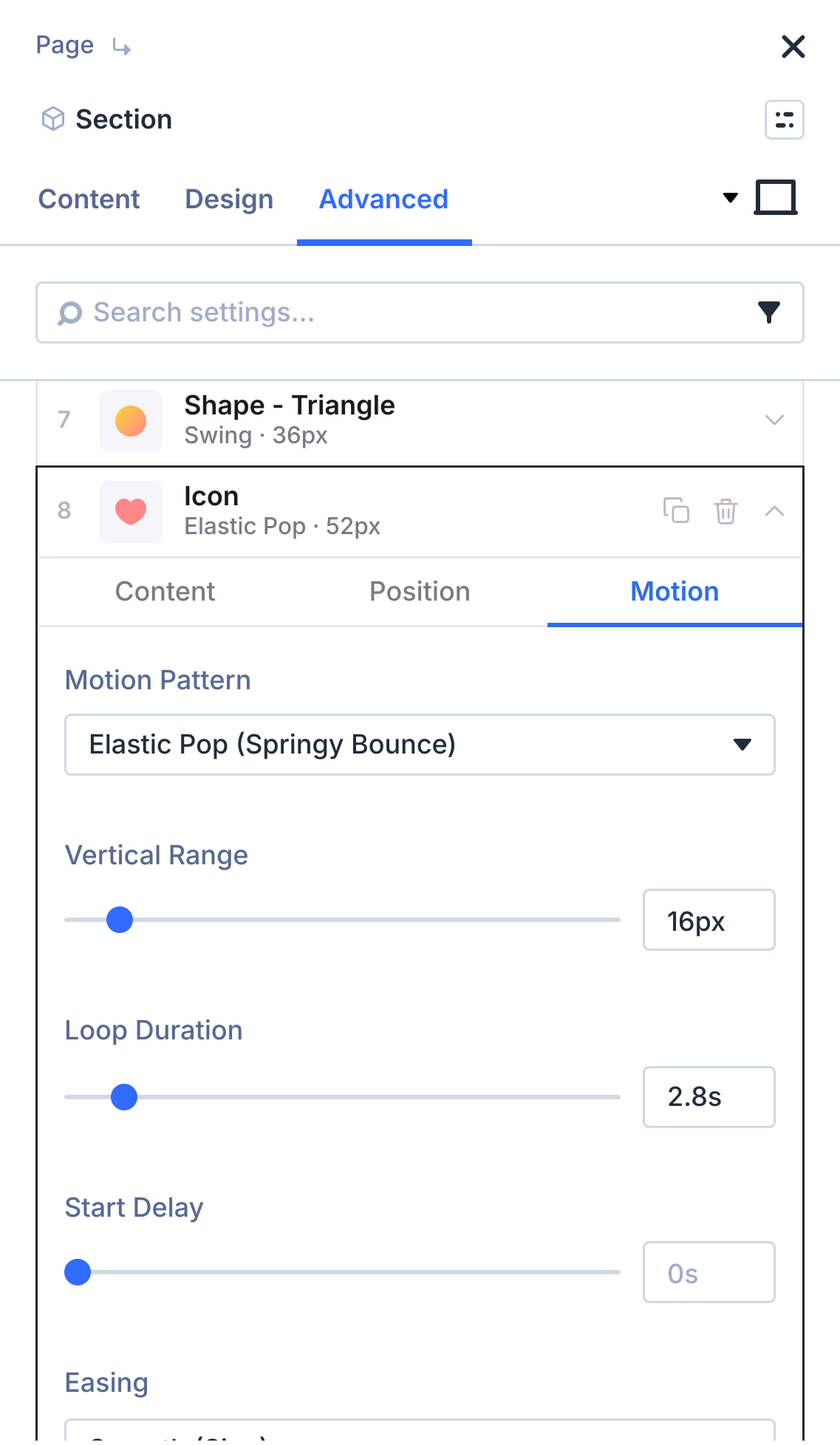
Open the Motion Elements group in the Advanced tab of any section, row, column or module. Add as many images, icons and shapes as you need, then use the Content, Position and Motion tabs of each element to set its fill, opacity, size, position on every device, stack order, depth, motion pattern, range, duration, easing, 3D tilt and breathing. Turn on cursor or scroll parallax and choose the devices where the motion is disabled, right inside the Divi Builder.
ENABLE IN ONE CLICK
Turn on Motion Elements Where You Need It
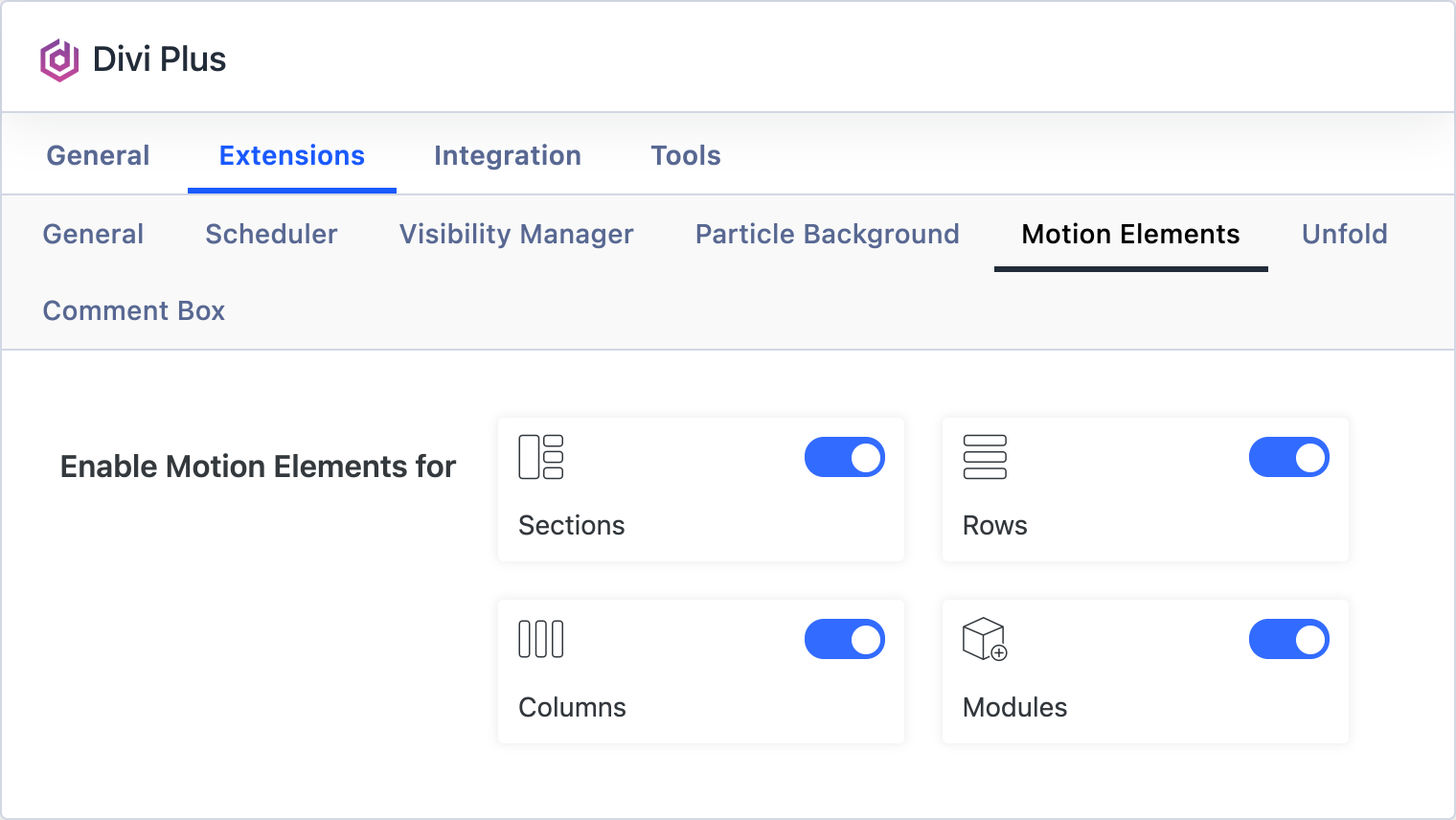
Go to Divi Plus, open the Extensions tab and pick the builder areas that should show the Motion Elements group: sections, rows, columns, modules or all of them.
Images, Icons and Shapes
Upload transparent images, pick any Divi icon or use 13 built-in shapes with color or gradient fills.
11 Motion Patterns
Bob, sway, wander, orbit, swing, pendulum, spin, zigzag, drift, elastic pop or none.
Cursor and Scroll Parallax
Elements shift with the pointer and drift on scroll, each one by its own depth.
Layered Stack Order
Place each element behind the content or in front of it.
Per-Device Position and Size
Set desktop, tablet and phone placement or hide an element on smaller screens.
Respects Reduced Motion
Animation pauses for visitors who prefer reduced motion in their system settings.
Need text reveals, image reveals, scroll stack cards or cursor effects? See Divi Motion Extended.