
Divi Hover List Module
The Divi Hover List Module lets you create interactive list sections with a title, subtitle, description, icon, and even a button. On hover, each row displays a background image for added visual appeal perfect for showcasing services, team members, features, or portfolios in a stylish and engaging way.
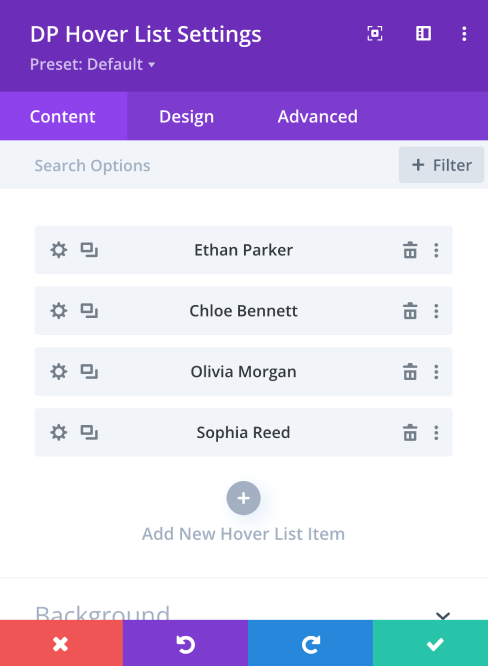
Ethan Parker
Chloe Bennett
Olivia Morgan
Sophia Reed
Customize Every Detail with Ease
Module Settings Overview
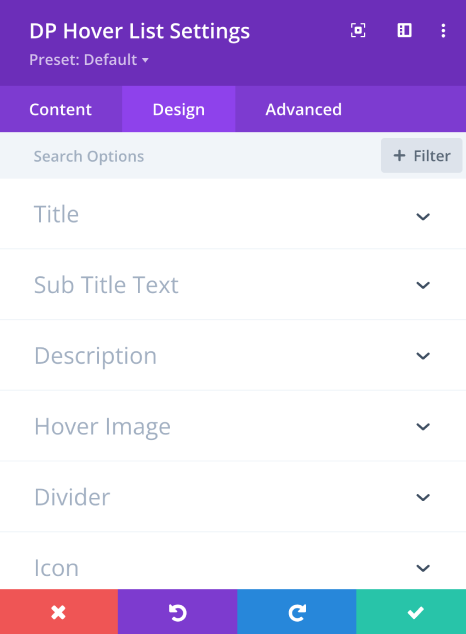
Explore the intuitive settings of the Divi Hover List module through clear screenshots. Customize text, icons, buttons, and hover background images for each list item without any complex layout controls. Everything is built to help you create visually rich and informative lists quickly and effortlessly.
Design a Stylish Service Display
Create an engaging service list with the Divi Hover List module. Ideal for event packages or offerings, each item shows key details and a button, with background images on hover for a stylish, interactive experience.