
Divi Advanced Tooltip Module
Divi Advanced Tooltip Module helps you add interactive tooltips to your Divi website. You can show helpful text, images, or saved layouts on hover or click. Tooltips can be added to buttons, icons, text, images, or any custom element using a CSS ID or class making your site more engaging and informative.


Emily Morgan
Development Head
Your content goes here. Edit or remove this text inline or in the module Content settings. You can also style every aspect of this content in the module Design settings and even apply custom CSS to this text in the module Advanced settings.


Jelly Samson
UI/UX designer
Your content goes here. Edit or remove this text inline or in the module Content settings. You can also style every aspect of this content in the module Design settings and even apply custom CSS to this text in the module Advanced settings.


Vince Fleming
Jr. Programmer
Your content goes here. Edit or remove this text inline or in the module Content settings. You can also style every aspect of this content in the module Design settings and even apply custom CSS to this text in the module Advanced settings.


Merit Thomas
Jr. Designer
Your content goes here. Edit or remove this text inline or in the module Content settings. You can also style every aspect of this content in the module Design settings and even apply custom CSS to this text in the module Advanced settings.
Explore Design and Content Settings
Customize Your Tooltip Layouts
Configure trigger types, content formats, and interactions effortlessly using the module’s intuitive settings panel. Great for tailoring tooltip behavior, this section highlights the control you get when designing tooltips with text, images, or Divi library layouts.


Share Icons with Hover-Activated Tooltips
Use a single share icon as a trigger to display social platform links on hover. Ideal for blogs, product pages, or landing sections, this example shows how the Divi Advanced Tooltip module can help you boost engagement with clean, space-saving share options.
Enhance Galleries with Informative Tooltips

Miami
Your content goes here. Edit or remove this text inline or in the module Content settings.

Portland
Your content goes here. Edit or remove this text inline or in the module Content settings.

Chicago
Your content goes here. Edit or remove this text inline or in the module Content settings.
Directional Tooltip Placement
I am the top tooltip
I am the right tooltip
I am the bottom tooltip
I am the left tooltip
Text Tooltip with Auto Positioning
Our mission is to create meaningful solutions that simplify everyday challenges and deliver real value to our users.
Our vision is to become a trusted brand recognized for excellence, creativity, and reliability.
We believe in integrity, innovation, and collaboration in everything we do.
Icon Trigger with Click Interaction
Add Friend
Rate My Fit
Join Squad
Power Up
Trending Now
Explore Our Menu In Detail
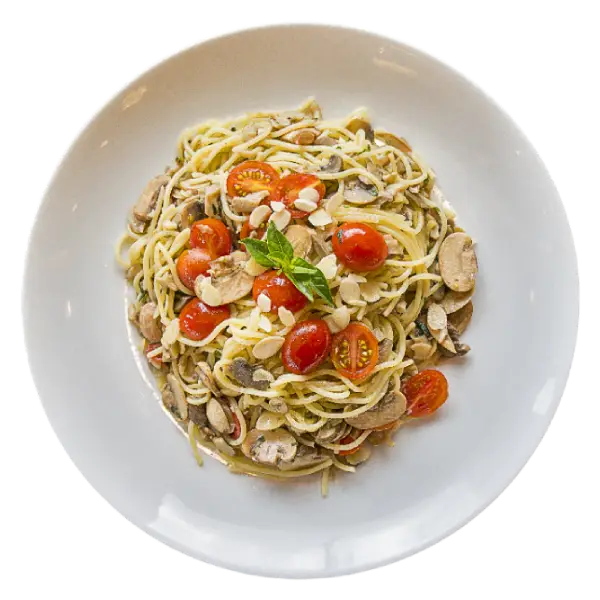
Ingredients: Spaghetti, Mushrooms, Cherry Tomatoes, Garlic, Olive Oil, Parmesan Cheese, Fresh Basil, Italian Herbs, Salt, Black Pepper.
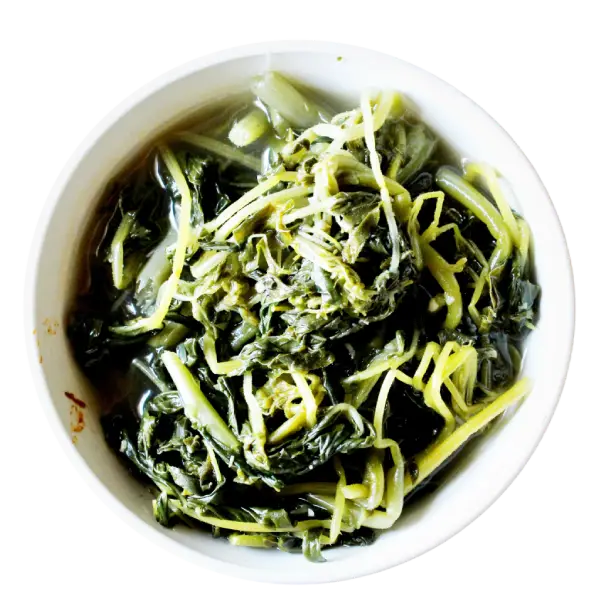
Ingredients: Spinach, Garlic, Onion, Olive Oil, Vegetable Broth, Salt, Black Pepper, Red Chili Flakes, Lemon Juice.

Ingredients: Chicken, Rice, Spinach, Red Bell Pepper, Garlic, Onion, Olive Oil, Chili Flakes, Soy Sauce, Salt, Black Pepper.
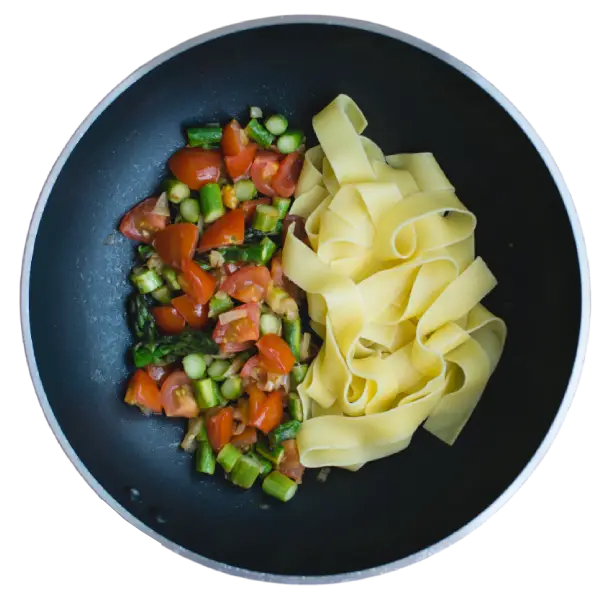
Ingredients: Fresh Pasta (Pappardelle), Asparagus, Cherry Tomatoes, Garlic, Olive Oil, Parmesan Cheese, Fresh Basil, Salt, Black Pepper.
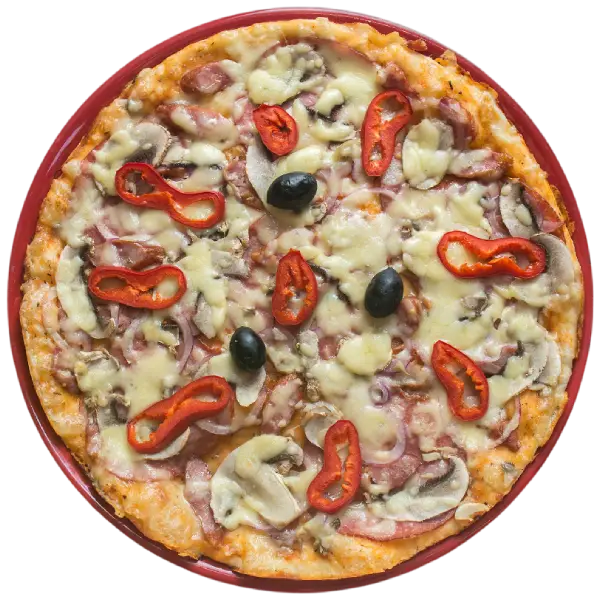
Ingredients: Pizza Dough, Pizza Sauce, Mozzarella Cheese, Mushrooms, Red Bell Pepper, Red Onion, Black Olives, Ham, Salami, Italian Seasoning.
Discover Every Detail Instantly

Resume Building Guidance
Create a professional, ATS-friendly resume that highlights your strengths, achievements, and skills to attract potential employers.

Interview Preparation
Gain confidence with mock interviews, personalized feedback, and effective communication strategies.

Career Planning and Guidance
Receive expert advice to identify career goals, explore opportunities, and create a clear growth roadmap.

Skill Development
Build essential workplace, communication, and leadership skills to accelerate career growth.
Hover To Explore Product Features

Network Security

Vulnerability Assessment

Data Protection

Security Awareness Training

Incident Response and Recovery