Divi Timeline Slider Module
Tell your story one milestone at a time with an interactive timeline slider. Choose spotlight, deck or expanding rail layouts, mark each step with years, icons, numbers or images, and bring every item to life with animated content, autoplay progress and flexible navigation.
Spotlight Timeline with Autoplay Progress
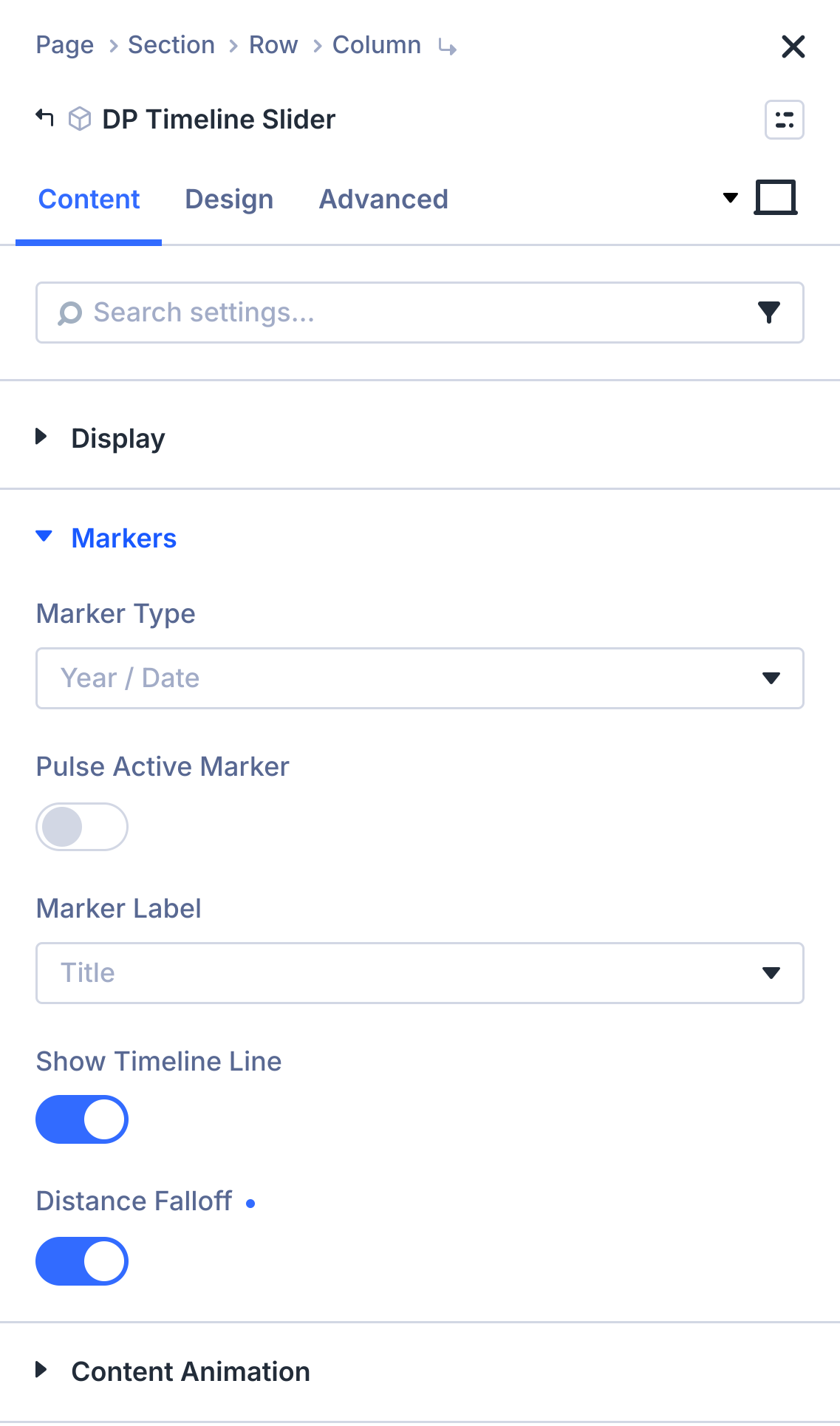
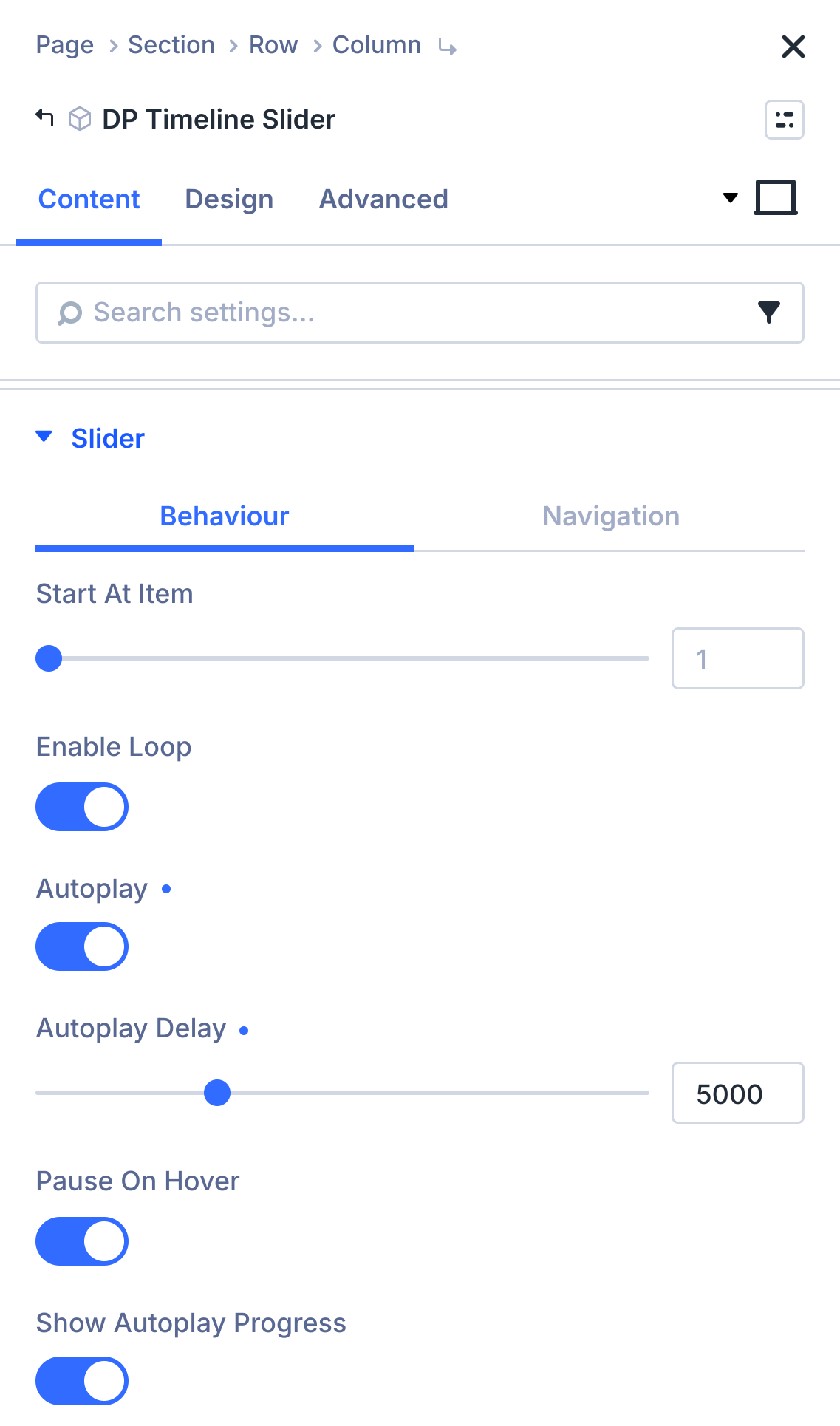
Put one milestone in the spotlight at a time. Year markers sit on a progress line, the next item plays automatically with a progress bar, and distance falloff softly fades the items further from the active one.





Deck Timeline with Icon Markers
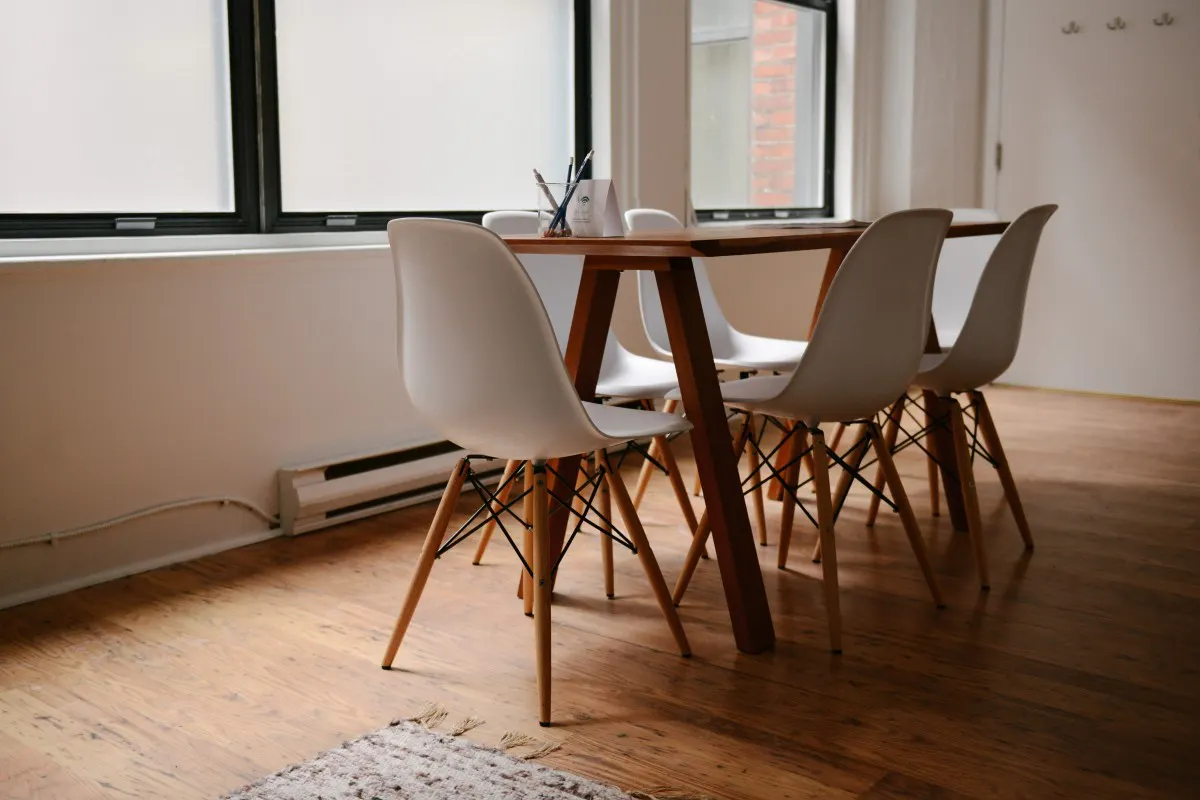
Stack every release in a deck so the next card is always peeking through. Icon markers show what each step is about, version badges sit on the image, and content tilts into place as the deck moves.





Expanding Rail Timeline with Mousewheel Navigation
Turn a multi-day itinerary into a vertical rail. Numbered markers run down the left side, the active day expands with a curtain reveal, and visitors can scroll with the mouse wheel or use the keyboard to move between days.






Image Markers with Pulse and Badge Labels
Use each step's photo as its marker, let the active marker pulse, and show the badge text as the marker label. The timeline can start from any item, so visitors land right on the step you want to highlight.





GET TO KNOW THE MODULE CONTROLS
Build Story-Driven Timelines with Layout, Marker and Animation Controls
Explore the settings available in the DP Timeline Slider to choose the layout, marker type and label, line and progress style, badge position, content animation, autoplay and navigation. Every item has its own year, title, description, image, badge, marker override and button, so you can build company histories, product roadmaps, itineraries and step-by-step processes directly in the Divi Builder.