Divi Filterable Gallery Module
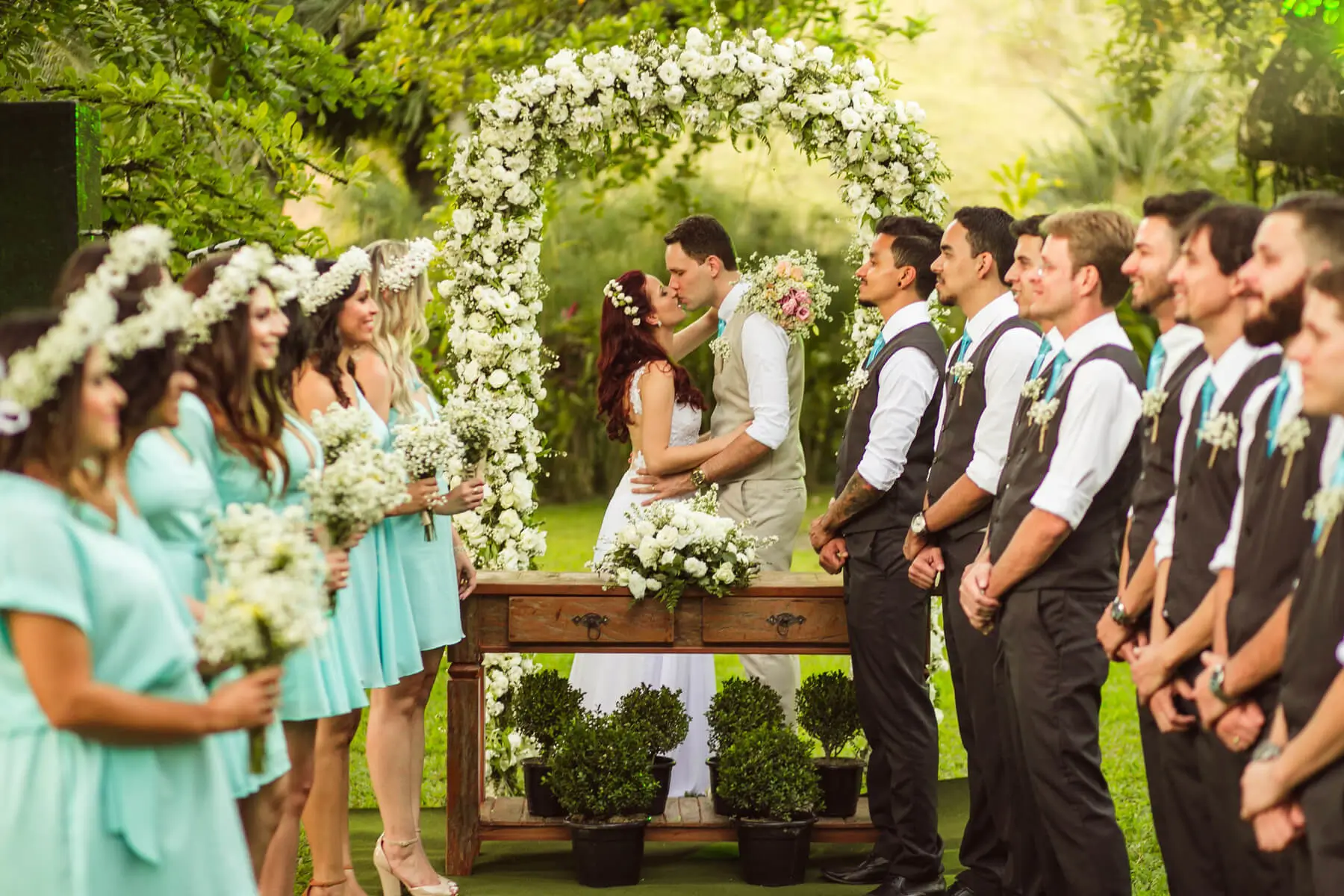
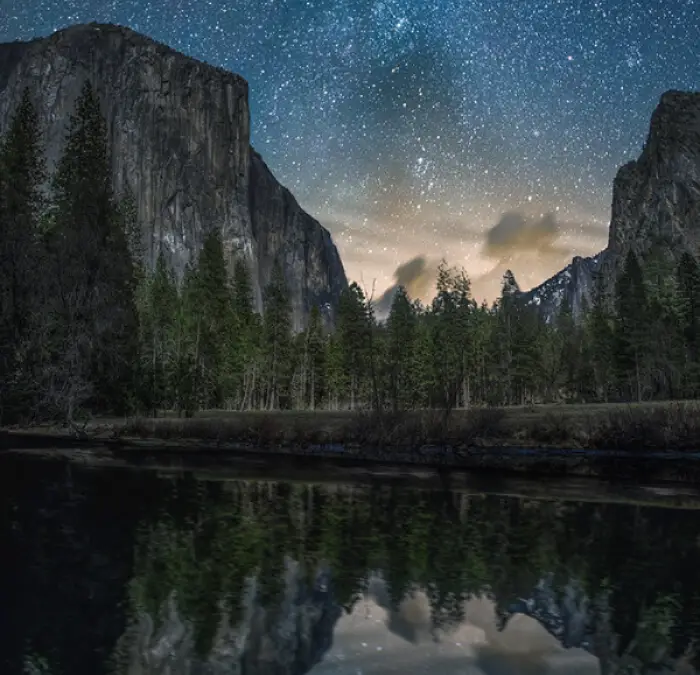
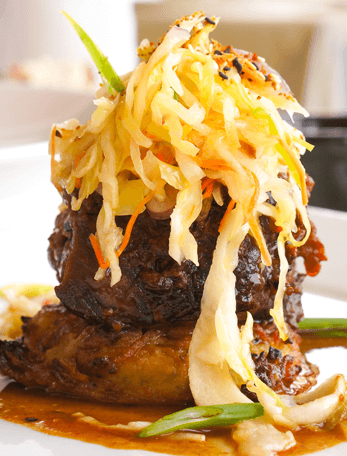
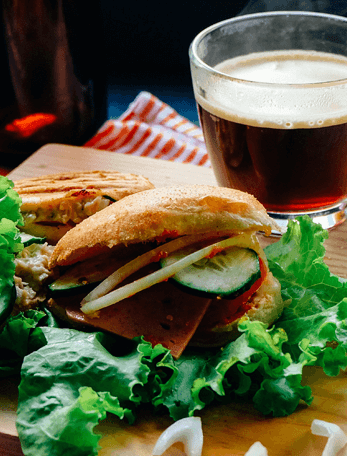
Using the robust and user-friendly capabilities of Divi Plus Filterable Gallery, you can create stunning filterable galleries without utilizing any custom CSS. You can create stunning filterable galleries that are loaded with images belonging to different categories. Browse images using category filters, open images in the overlay-supported lightbox, reduce the gap between images, and improve the appearance of the images for a better view.
- All Images
- Food
- Flowers
- Wedding
Burger
Fresh Food
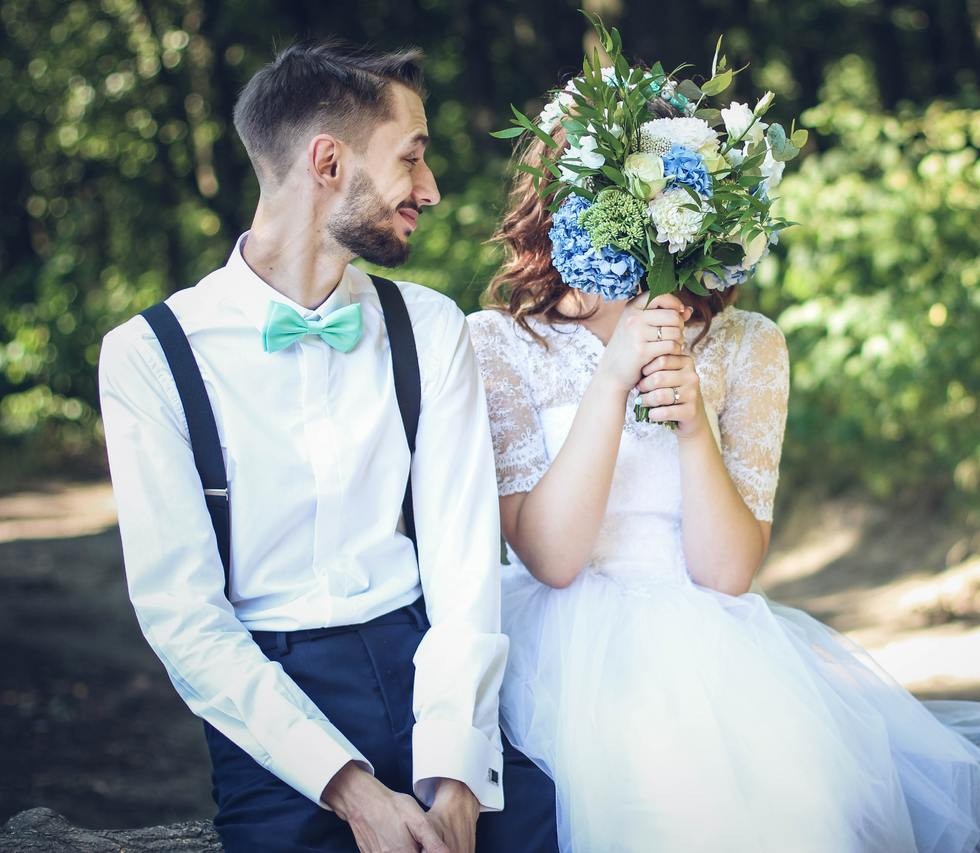
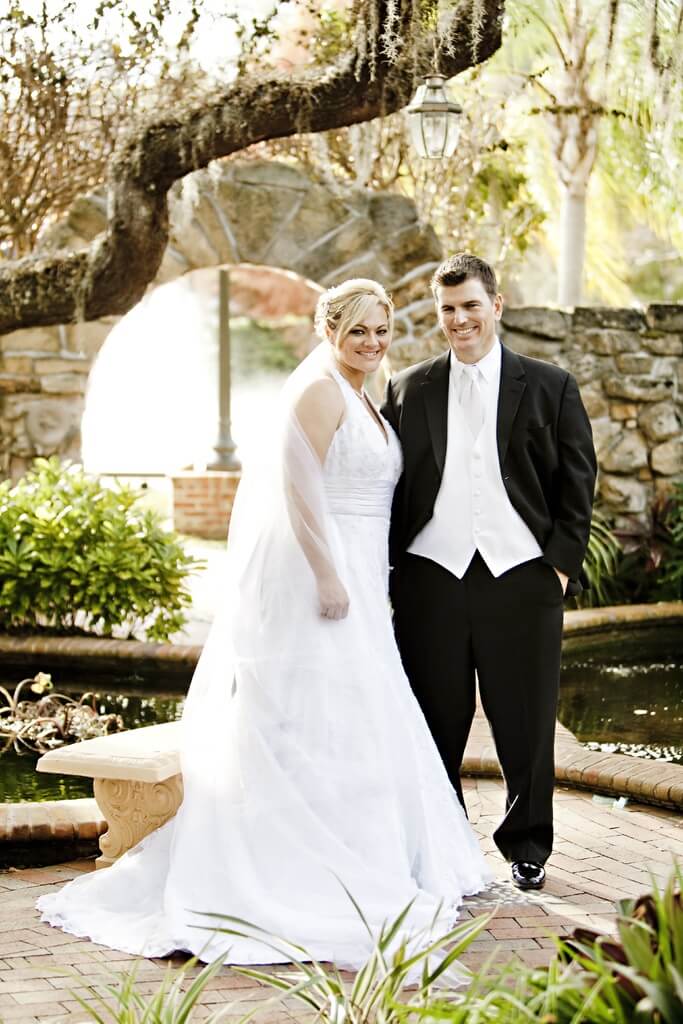
man-person-people-woman-white-summer-933538-pxhere.com_
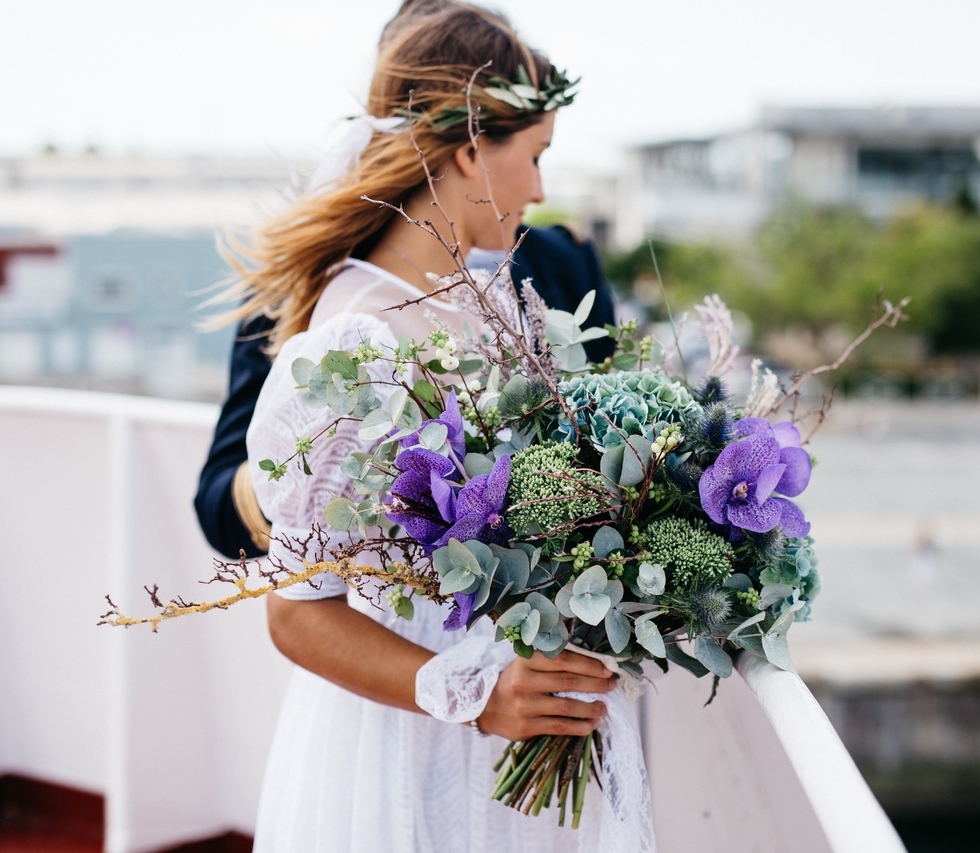
person-woman-photography-flower-bouquet-spring-146974-pxhere

man-person-people-woman-white-flower-872401-pxhere
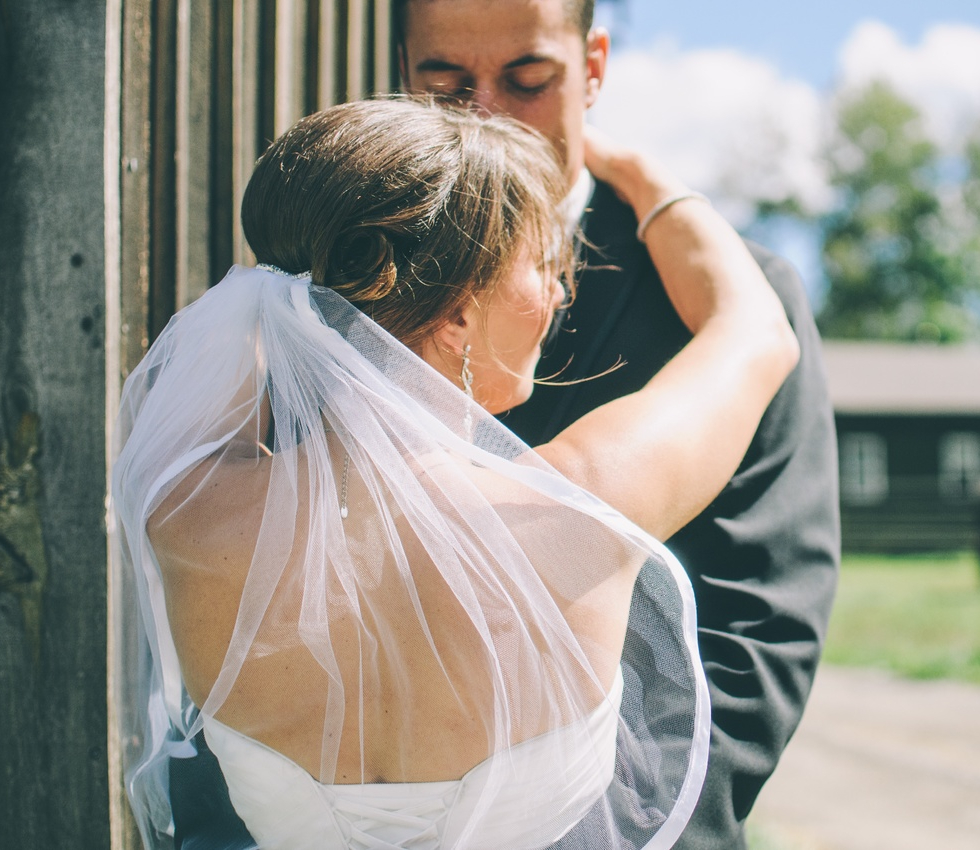
man-woman-male-couple-wedding-bride-175576-pxhere
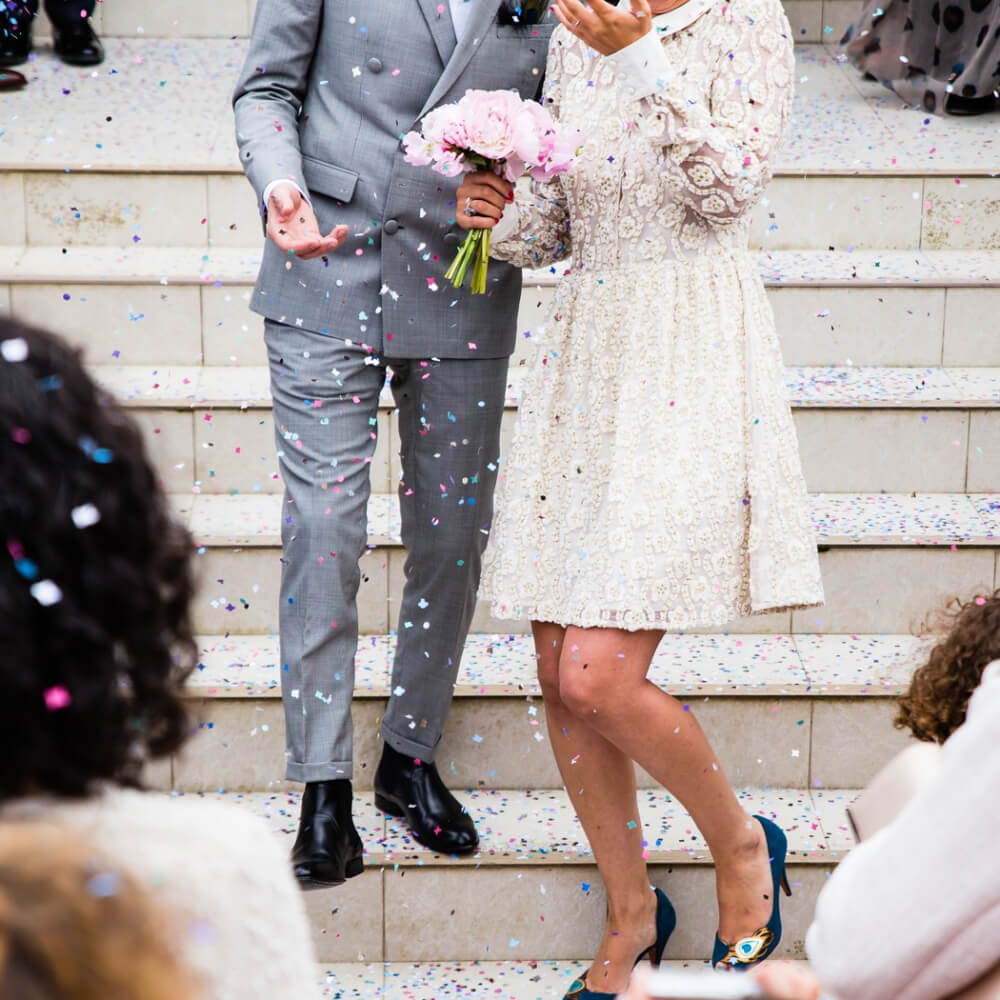
shoe-winter-girl-couple-fashion-wedding-1410901-pxhere
branch-blossom-plant-flower
wedding-banque-flower
nature-plant-flower-botany
flower-port
flowers-product1
flowers-product2
Convenient settings for perfect frame-up
Select the Categories, Choose an Optimal Image Size, and Much More
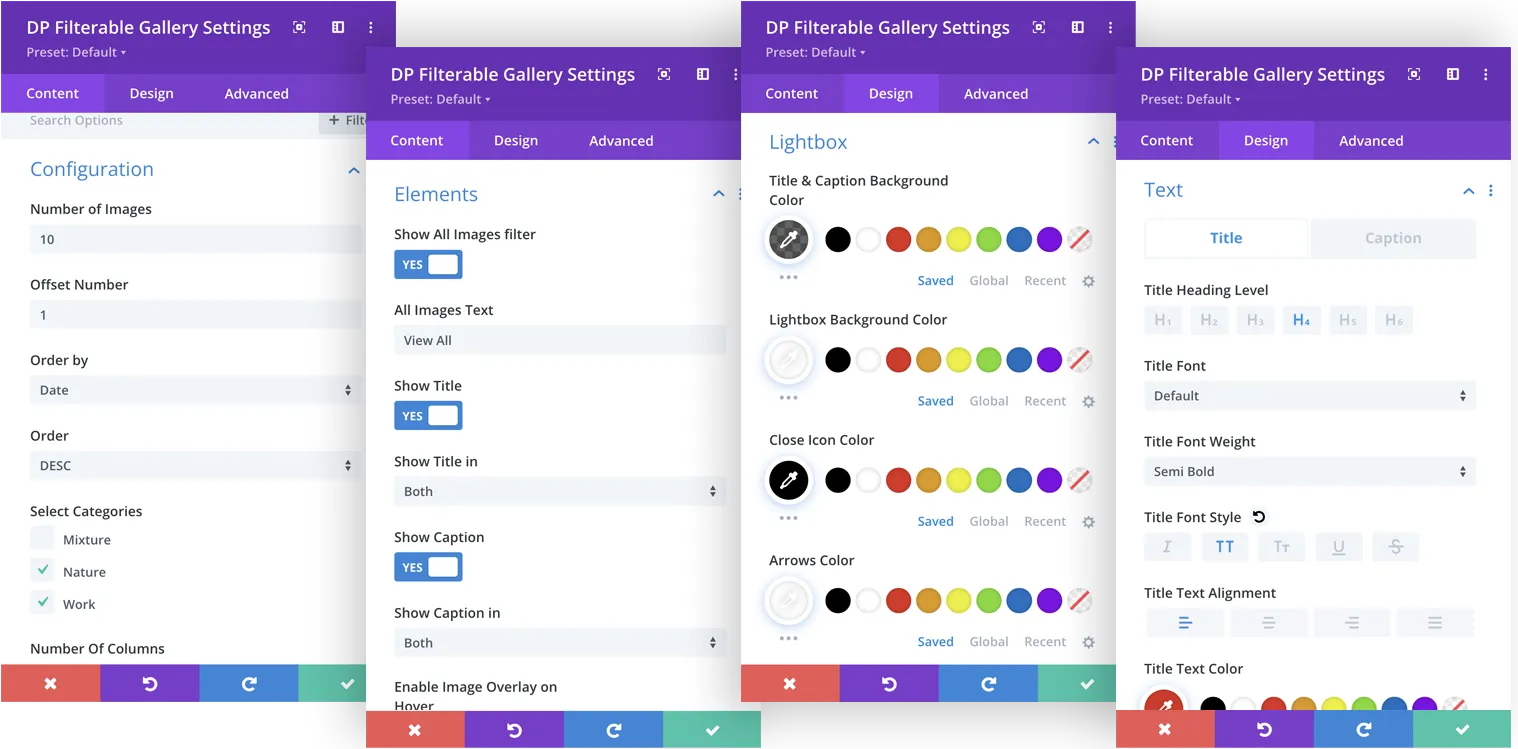
With a wide range of content settings offered in the Divi Plus Filterable Gallery, you can select the category, number of images, order, and number of columns to meet the requirements of your gallery. Let the readers choose what they like to view. Choose an optimal image size for a clean and tidy appearance. Adjust the column spacing in your desired way to enhance the appearance of your Filterable gallery. View your Divi Plus Filterable Gallery in masonry style. Show the Title and Caption in your gallery with a single click. Options are also available to view the images in detail with a one-click triggered Lightbox and Overlay Effects can also be added to enhance the visual appeal.
- All Photos
- Colored
- Nature
Holi Celebration In India
Your content goes here. Edit this text inline or in the module Content settings. You can also style every aspect of this content in the module Design settings.
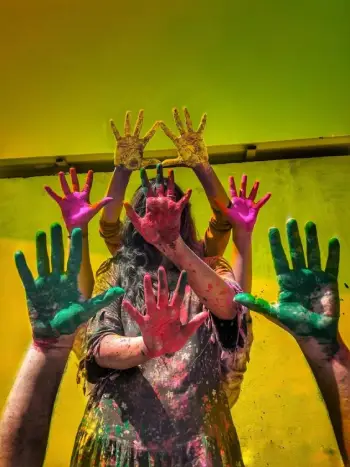
Colored Hand Art
Your content goes here. Edit this text inline or in the module Content settings. You can also style every aspect of this content in the module Design settings.

Mosaic Texture

Colored Splash
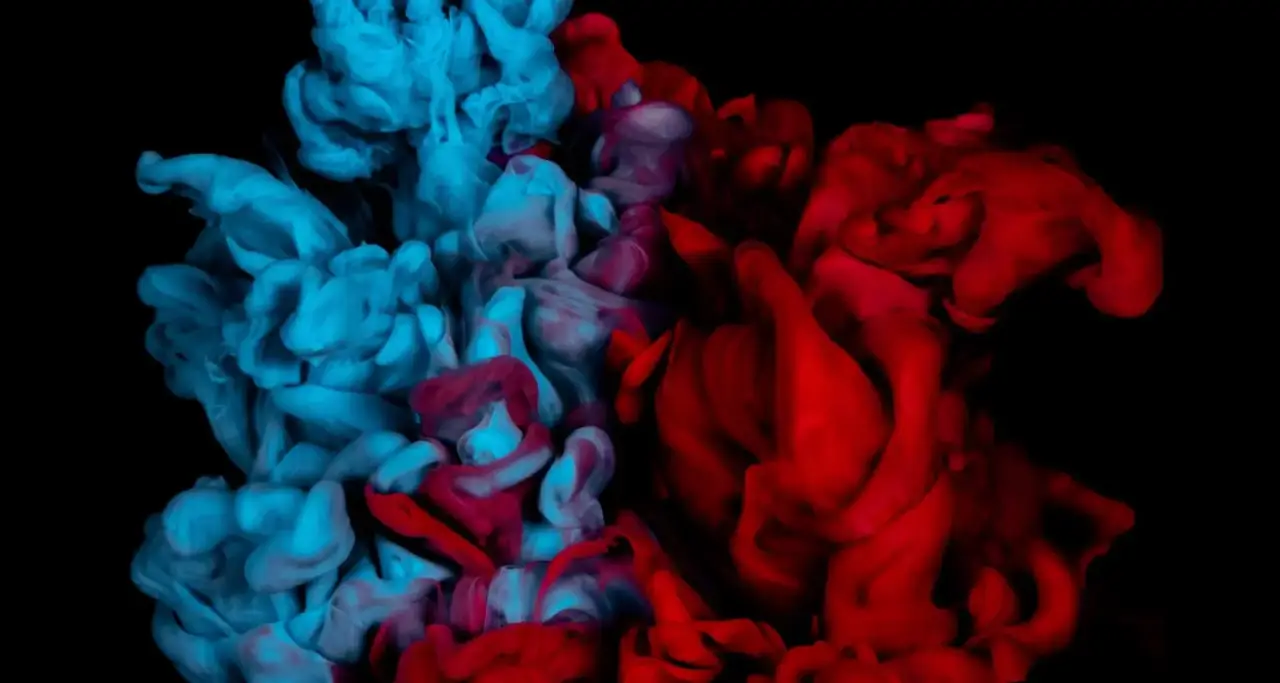
Paint Mixing
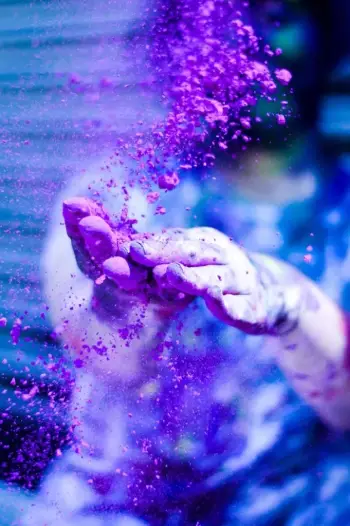
Beautiful Colored Hands In Holi
Your content goes here. Edit this text inline or in the module Content settings. You can also style every aspect of this content in the module Design settings.
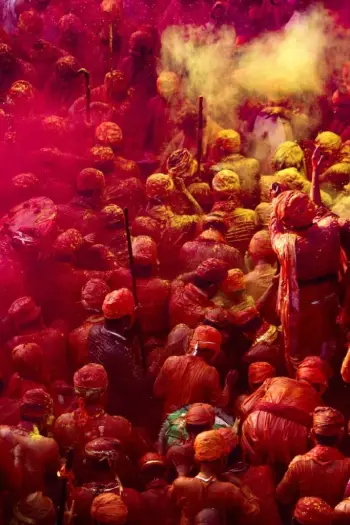
Indian Festival Of Holi
Your content goes here. Edit this text inline or in the module Content settings. You can also style every aspect of this content in the module Design settings.
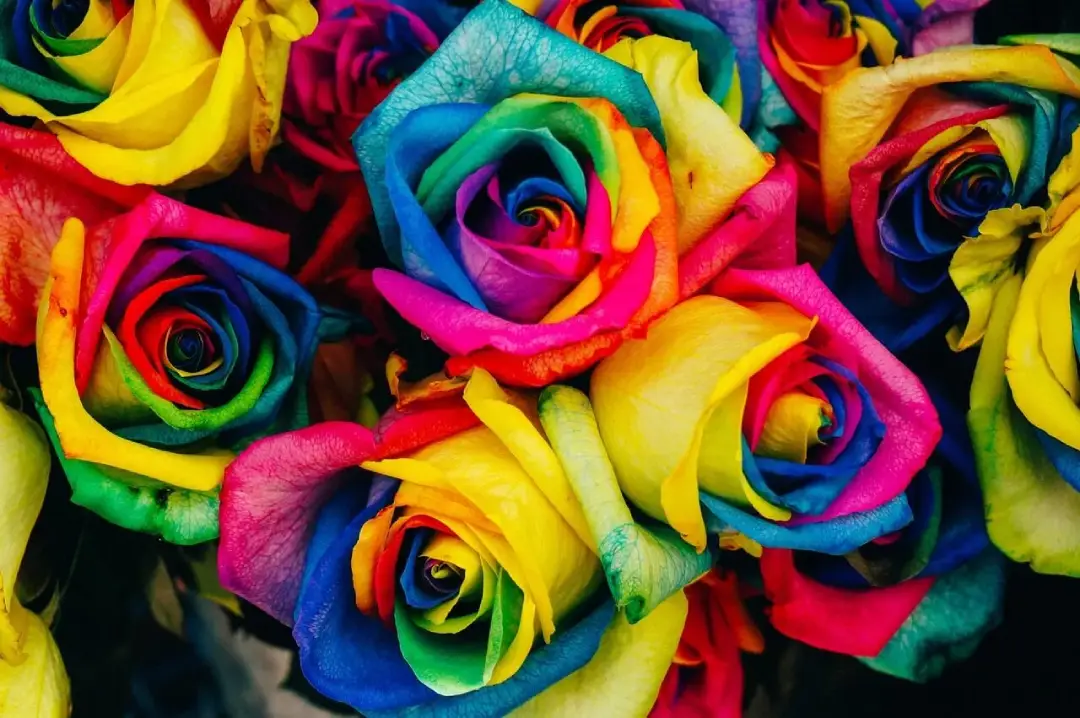
Creative Plant Flower
- All Photos
- Cycling
- Fitness

Enjoying The View Of Horizon
Your caption goes here. Edit this text to give your image caption
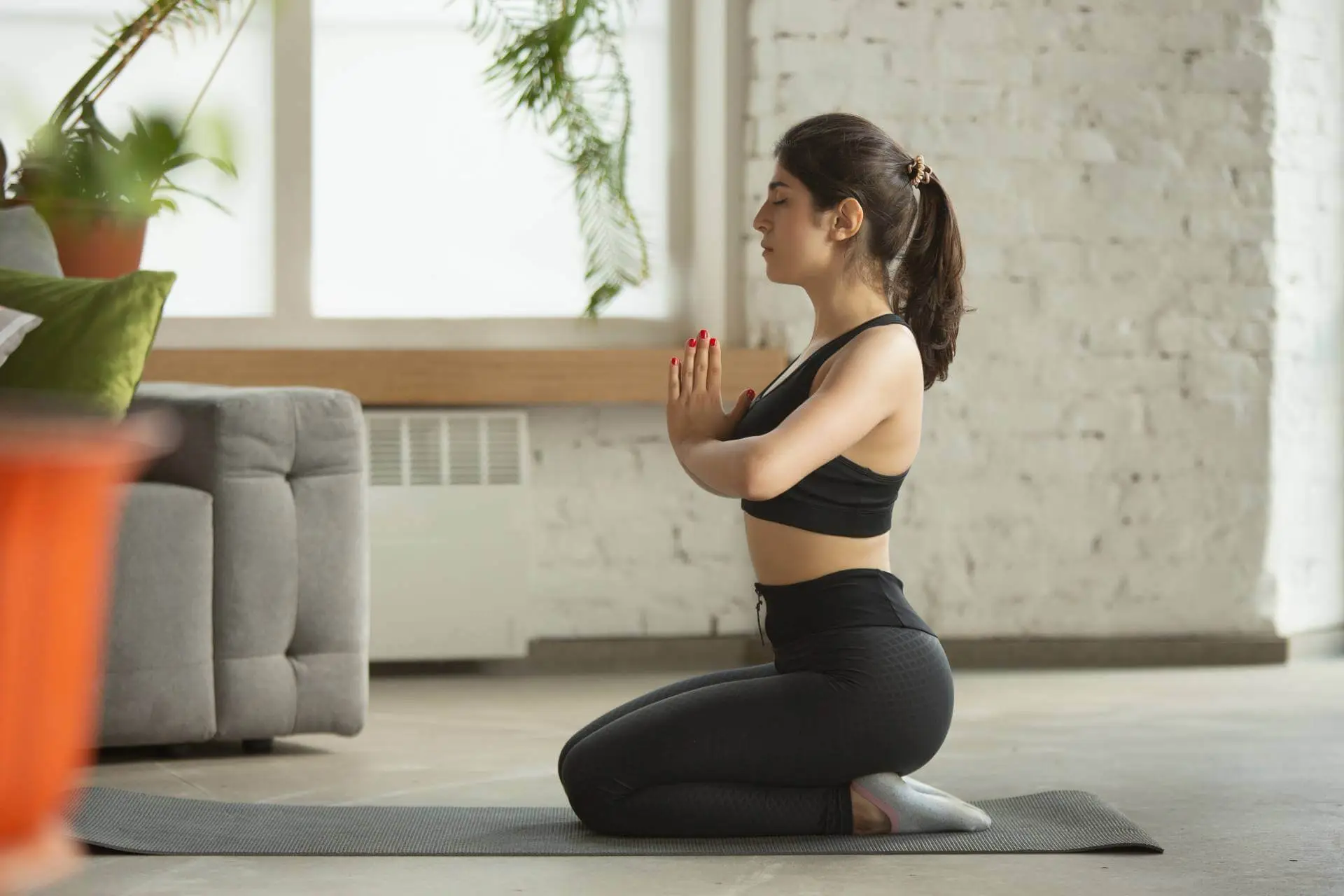
Serene Asanas
Your caption goes here. Edit this text to give your image caption

Balance Achieved
Your caption goes here. Edit this text to give your image caption

Empower Your Flow
Your caption goes here. Edit this text to give your image caption

Empower Breath
Your caption goes here. Edit this text to give your image caption

Fitness Harmony
Your caption goes here. Edit this text to give your image caption
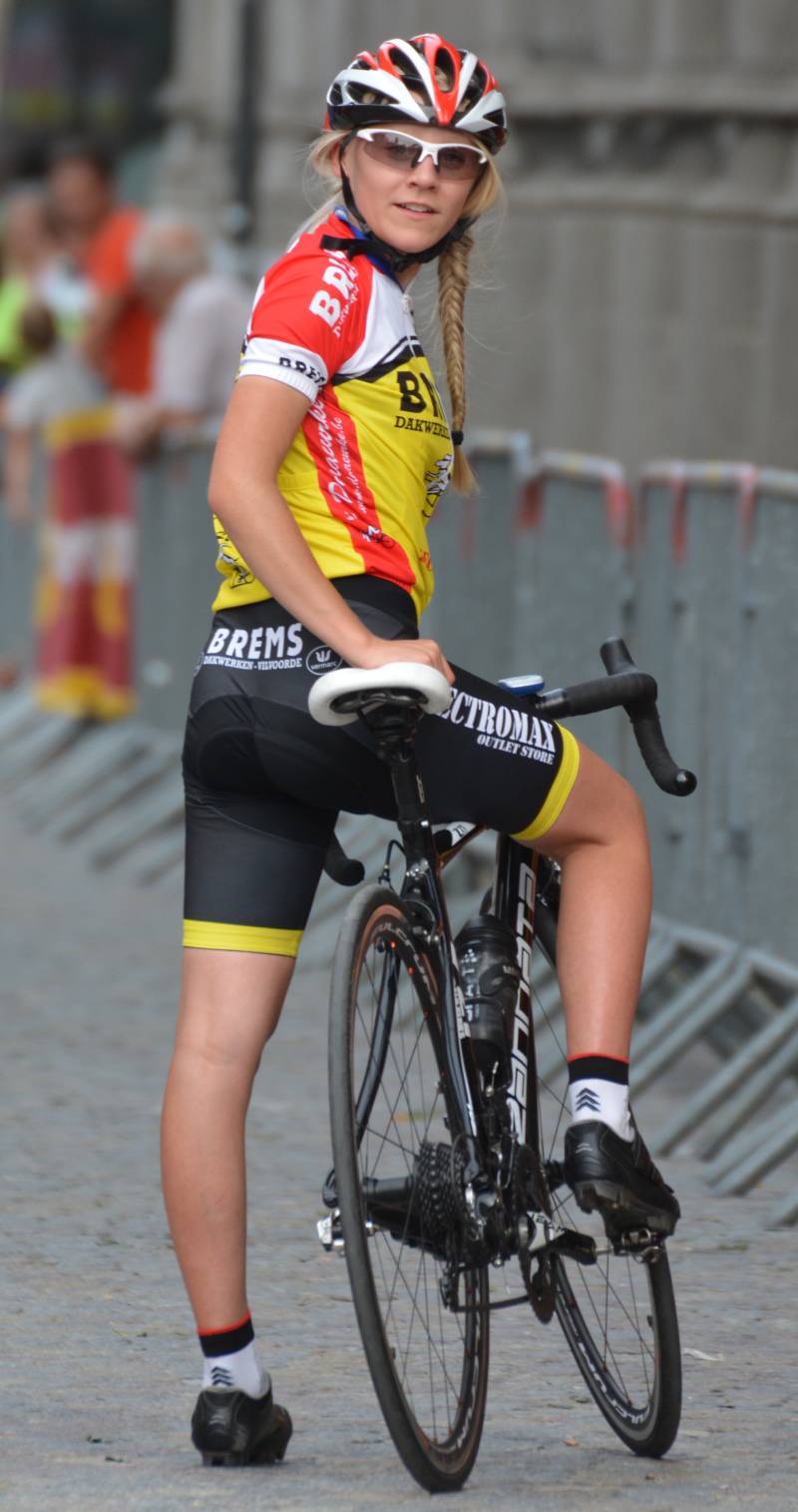
Race Day Thrill
Your caption goes here. Edit this text to give your image caption
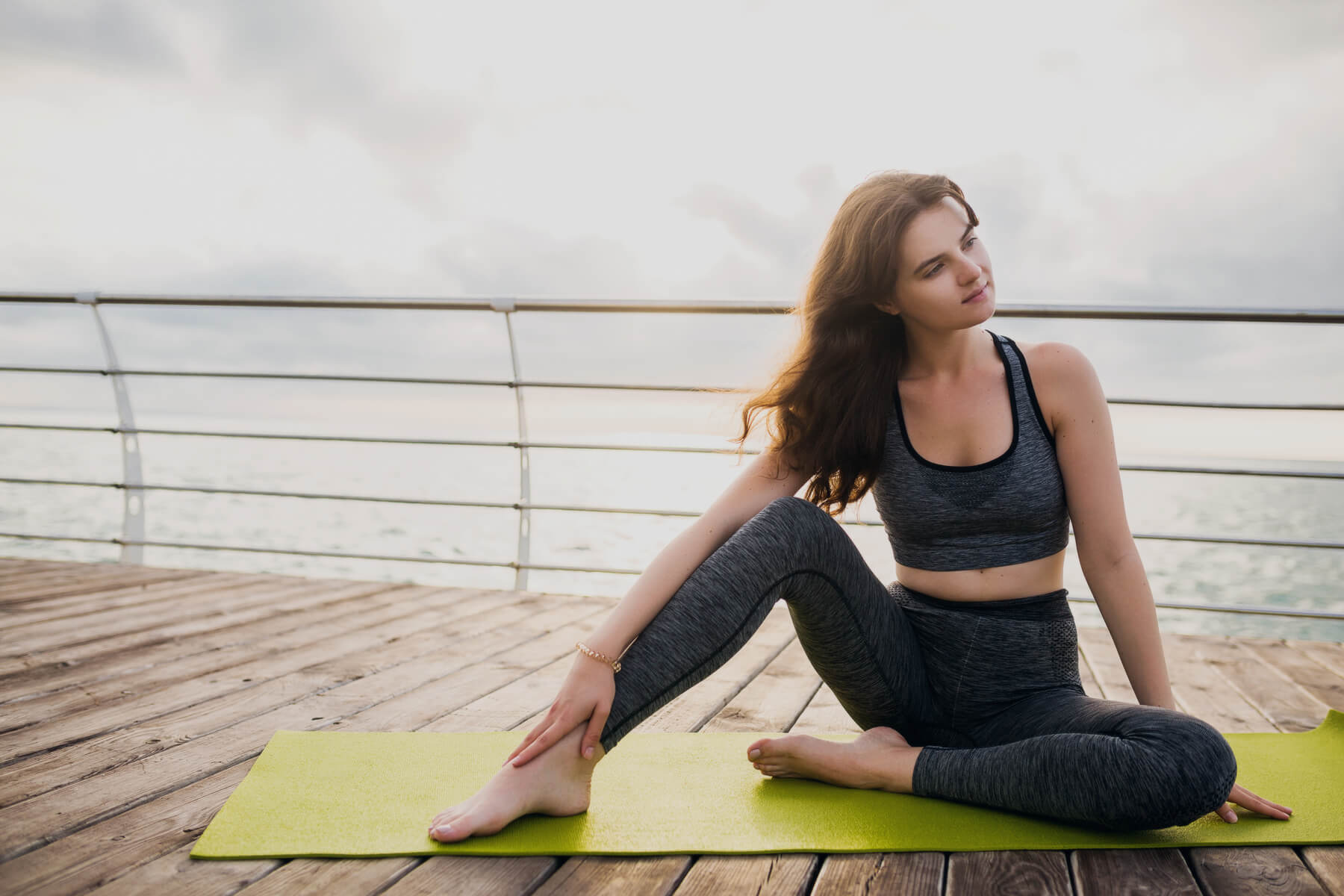
Peaceful Postures
Your caption goes here. Edit this text to give your image caption
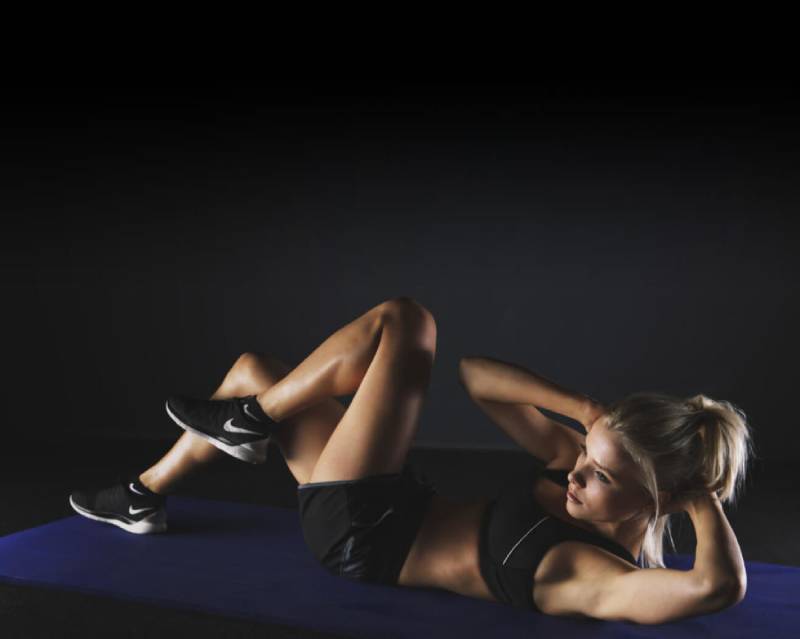
Inner Strength
Your caption goes here. Edit this text to give your image caption
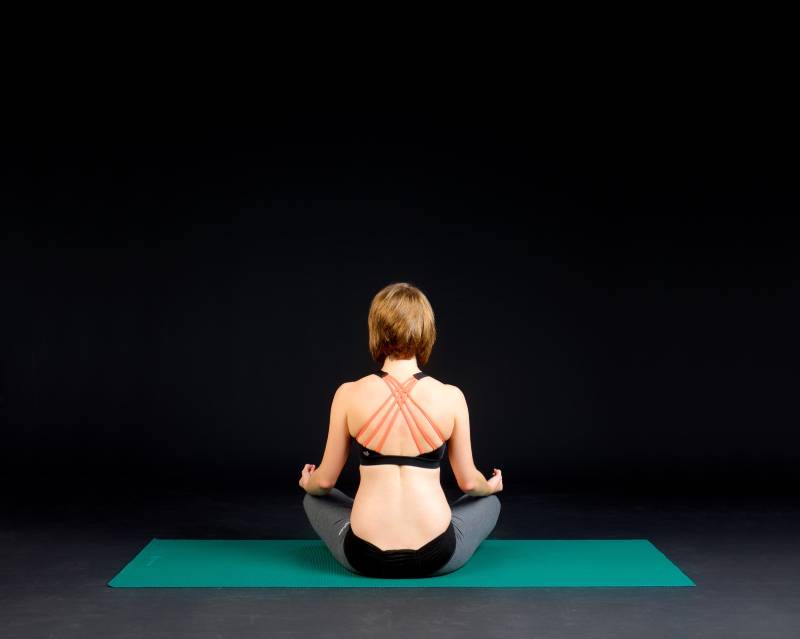
Holistic Wellness
Your caption goes here. Edit this text to give your image caption

Adventure Chase
Your caption goes here. Edit this text to give your image caption
Overlay Title and Caption on Images
Showcase Title and Captions With Overlay Custom Links
Divi Plus Filterable Gallery provides you with an exciting feature to overlay titles and captions on the images with sensational swipe effects. When visitors hover over the photos in the filterable gallery, this presents them with an amazing appearance. Moreover, you can also place custom links on the titles and captions to redirect visitors to get the relevant information about that image.
- All
- Cycling
- Fitness
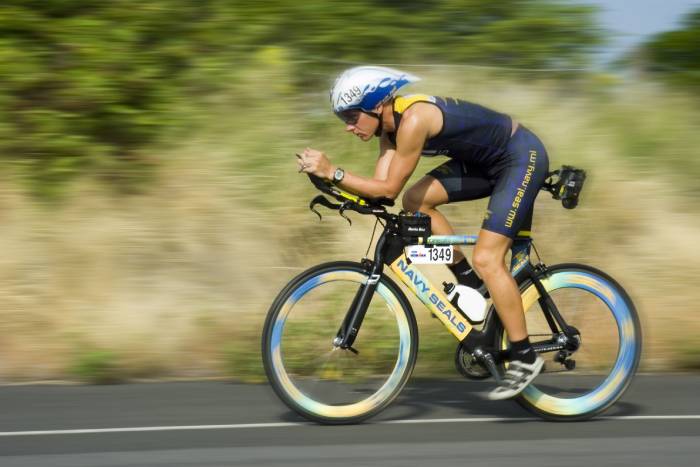
Adrenaline Rush
Your caption goes here. Edit this text to give your image caption
Adventure Chase
Your caption goes here. Edit this text to give your image caption
Balance Achieved
Your caption goes here. Edit this text to give your image caption

Cycling Therapy
Your caption goes here. Edit this text to give your image caption
Empower Breath
Your caption goes here. Edit this text to give your image caption
Empower Your Flow
Your caption goes here. Edit this text to give your image caption
Enjoying The View Of Horizon
Your caption goes here. Edit this text to give your image caption
Fitness Harmony
Your caption goes here. Edit this text to give your image caption
Style the gallery in a sensational way
Style Up the Categories, Titles, Pagination, and Much More
Using the incredible styling options you can transform the overall look of your filterable gallery very quickly. Just play with available styling options, and add borders, background colors, and box shadows to make your filterable gallery more attractive. Customize the Title and Caption to make them more eye-catching. Change the category background, round up their corners, and style them in your favorite fashion. Adjust the Pagination text size, tune its color, and play with the other options to make your filterable gallery more enticing.
Integrate Dazzling Effects on Your Filterable Gallery
Modify the gallery presentation and add wonderful animated effects such as Flip, Fade, Bounce, Zoom, and many others to change the overall presentation of your filterable gallery while the page is being loaded. Rotate, flip, and skew the filterable gallery to make it more interactive and funky for the viewers. Use the dazzling scroll effects that capture the attention of the viewers while they are scrolling through the gallery.
- All Images
- Cycling
- Fitness
- Colored
- Food
- Flowers
- Salon
- Nature
- Wedding